





ChatGPT, Claude and Gemini:
from chatbots to a working system
4 AI guides in one pack
Stop writing three-paragraph prompts
Set up ChatGPT, Claude and Gemini once
How to Build a Working System with Gemini: Gems, NotebookLM,
and Google Workspace
Four practical guides in one pack, 252 pages. In one evening you will turn ChatGPT, Claude and Gemini into your own assistants. They will know you, your style and your tasks.
- How to set up Claude in five steps, in the right order
- How to personalize ChatGPT to your style
- How to build your own GPT agent for a process in 10 minutes, no code
- How to turn on long-term memory and ChatGPT’s advanced tools
- How to launch the Claude Cowork agent mode in half an hour
- How to run 80% of Cowork sessions with one prompt skeleton
- Where the agent mode’s limits are, so you do not hit them by surprise
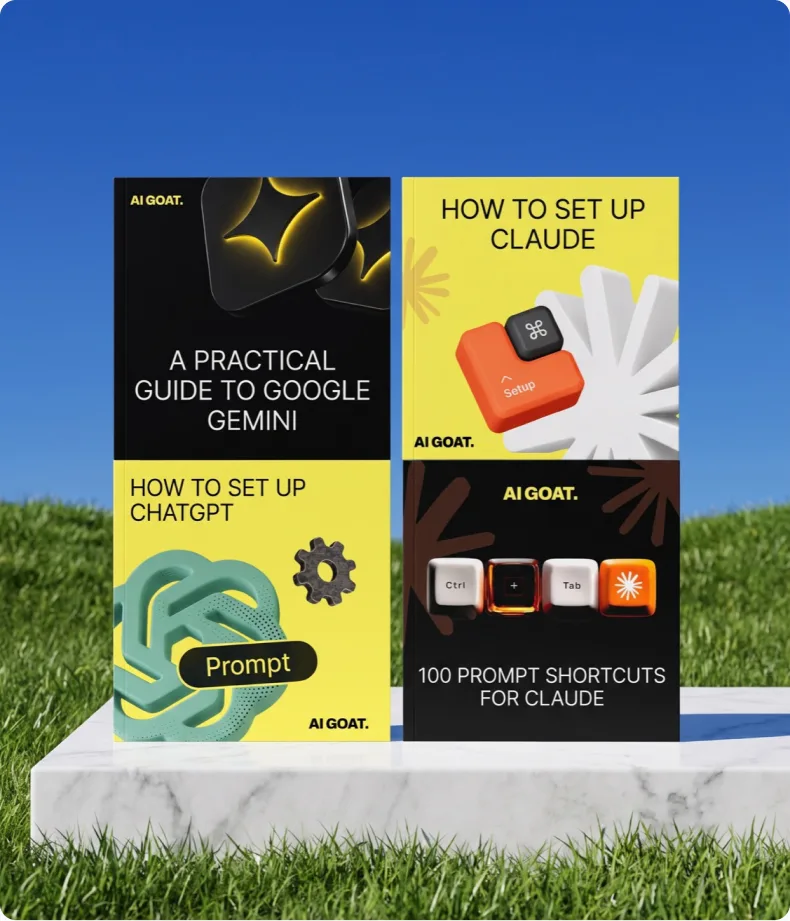

4 AI guides in one pack
252 pages on how to customize ChatGPT, Claude, and Gemini for your needs.
Inside:
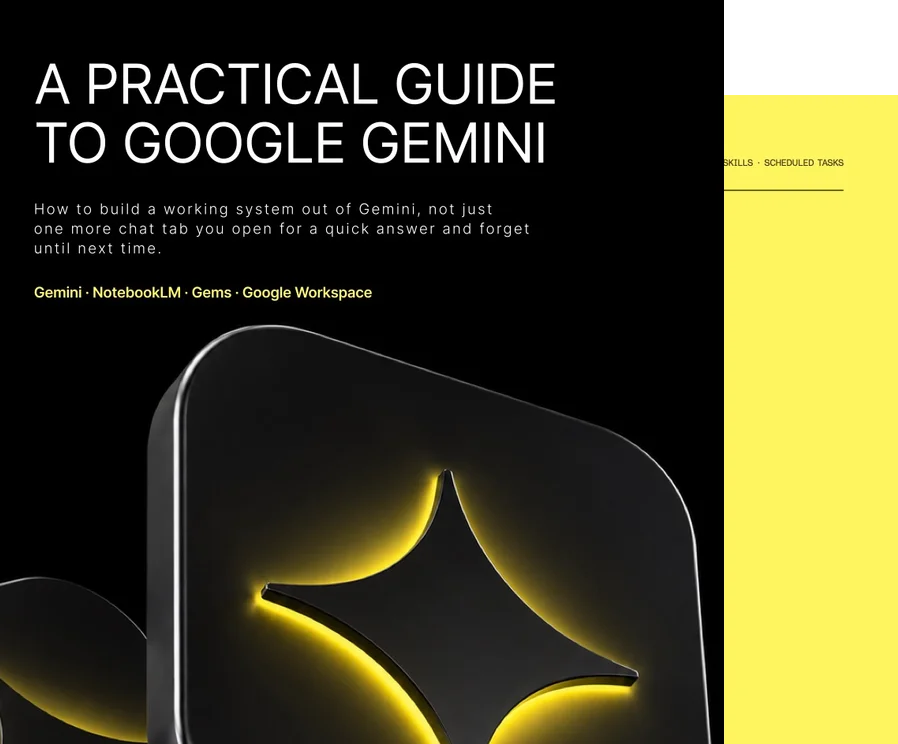
- A Practical Guide to Google Gemini: Gems, NotebookLM, and Workspace
- The Right Way to Set Up Claude: A 5-Step Guide
- Getting the Most Out of ChatGPT: Personalization and Your Own GPT Agent
- Claude Cowork: Agent Mode on Desktop
- Bonus: 100 Secret Codes for Claude, a Slash Command Reference Guide

For those who already use ChatGPT, Claude, or Gemini and want to stop fighting with prompts.
You will be able to:
- Connect Gemini to Mail, Docs, and Sheets and say goodbye to copy-pasting
- Create Gems for recurring tasks instead of folders full of prompts
- Set up Claude correctly and stop wondering why it gives off-topic answers
- Configure ChatGPT to write in your style
- Build your own GPT agent for a specific process in 10 minutes
- Launch Cowork agent mode and run sessions using a template


10 jobs this pack gets done:
- Set up Gemini in 15 minutes and see what’s available on your account
- Convert weak queries into the AIM format: role, materials, result
- Create Gems for tasks that repeat at least once a week
- Set up a Notebook and get answers only from your own sources
- Remove the neural network’s “accent” from the text
- Set up Claude in the correct order in five steps
- Write custom ChatGPT instructions to match your tone
- Set up a GPT agent for a process in 10 minutes without code
- Set up a folder structure and three context files for Cowork
- Start 80% of your Cowork sessions with a single prompt template
From first setup to agent mode
Four guides that come together to form a system.
Each one works independently, and together they complete a full cycle.

01A Practical Guide to Google Gemini: 22 sections on Gemini, Gems, NotebookLM, and Workspace; a library of 54 prompts; and a plan for the first week. 71 pages
02The Right Order to Set Up Claude: account, context, connectors, training, delegation. 7 pages
03ChatGPT, Maxed Out: custom instructions, long-term memory, your own GPT agent in 10 minutes, plus a bonus section on GPT Prompt Engineer. 17 pages
04Claude Cowork: setup in half an hour, folder structure, three context files, a prompt skeleton, plugins and connectors, real cases and a section on limitations. 18 pages
Bonus100 Secret Codes for Claude. A reference of 100 slash commands in 10 sections, commands stack. 13 pages

Buy once, keep forever


944 downloads
 944 downloads
Marketers, developers and founders
already running AI as a system
Get it for $9“The slash commands for Claude are a lifesaver. You type one line and the model gives you the substance right away, none of that ‘Happy to help, here is your answer!’ warm-up. For nine bucks it is a steal.”
“I used one of the guides to build a custom bot for onboarding new hires in about 15 minutes. Answering the same questions in DMs used to eat half my day, and now the agent hands everything out straight from our policies.”
“The best part of the Cowork guide was the section on where the agent mode falls short. Everyone else promises magic, and this one tells you plainly where the system hits its limits and how to lay out your context files across folders.”
“I am skeptical about prompt collections, but this one is built around a system. We set up custom instructions in ChatGPT and a single prompt skeleton, and the model finally started writing in our voice.”
“The 5-step Claude setup in the second guide completely changed how I work with text. And thank you for the bonus walkthrough of the prompt engineer GPT!”
“The big win for me personally: I rebuilt my whole desktop folder structure in one evening. Now I launch most of my working sessions from a single template.”

FAQ
Yes. The guides go from picking a plan and the first settings through to advanced modes, in plain language.
Each guide stands on its own, so start with yours. The others come in handy where your model is weaker: Gemini lives inside Mail and Docs, Claude takes over work with files on the desktop.
Not entirely. Gemini and Claude connectors work on any plan, free included. Cowork needs Pro or Max, some Gemini features live in the paid edition, and the Claude setup guide assumes a paid plan too. The guides say so upfront.
One evening covers the whole pack. Gemini takes fifteen minutes, Claude takes five steps, your own GPT agent takes 10 minutes, Cowork takes half an hour.
A collection gives phrasings. The pack provides a system: setup order, your own specialists for recurring tasks and the agent mode. Plus a library of 54 prompts for when you need a ready-made template.
Four guides and a bonus reference, PDFs sent to your inbox right after payment.
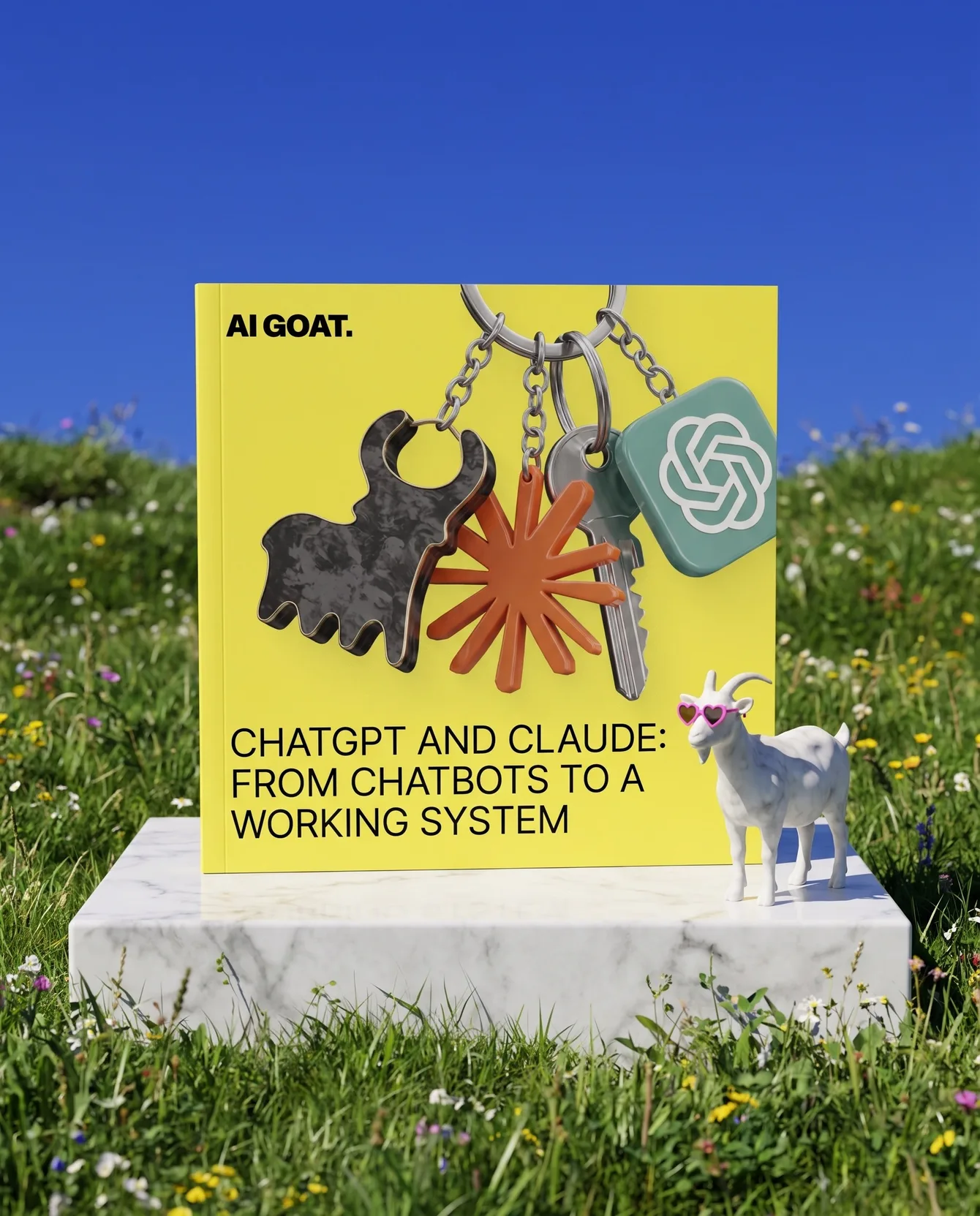
4 AI guides in one pack
$69$9
SAVE 87%Set up ChatGPT, Claude, and Gemini once, and stop trying to convince the AI in every chat.
Inside:
- A Practical Guide to Google Gemini: Gems, NotebookLM, and Workspace
- The Right Way to Set Up Claude: A 5-Step Guide
- Getting the Most Out of ChatGPT: Personalization and Your Own GPT
- Claude Cowork: Agent Mode on Desktop
- Bonus: 100 Secret Codes for Claude, a Slash Command Reference Guide
