
AI Creator: Make Photo and Video
Content for Brands with AI
Premium AI content without a professional shoot
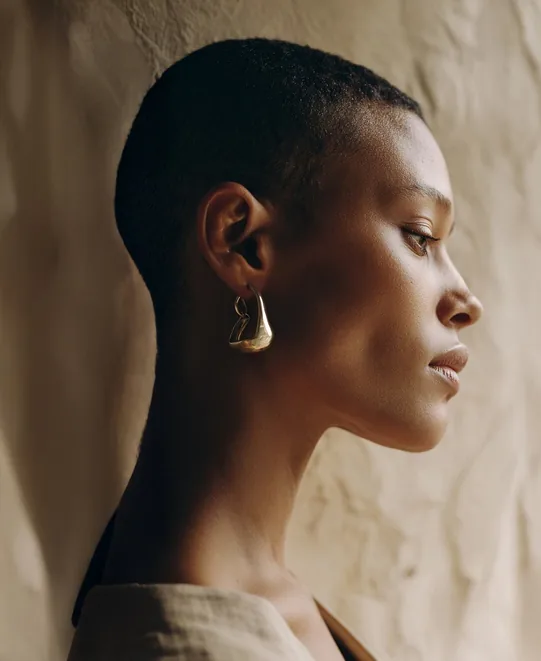
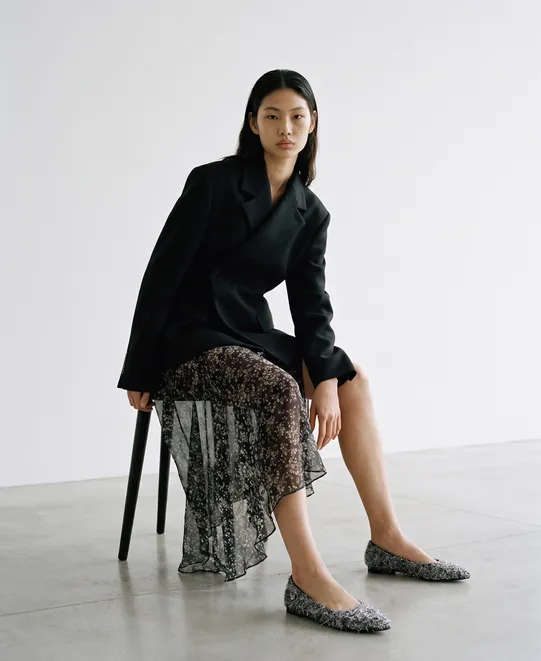
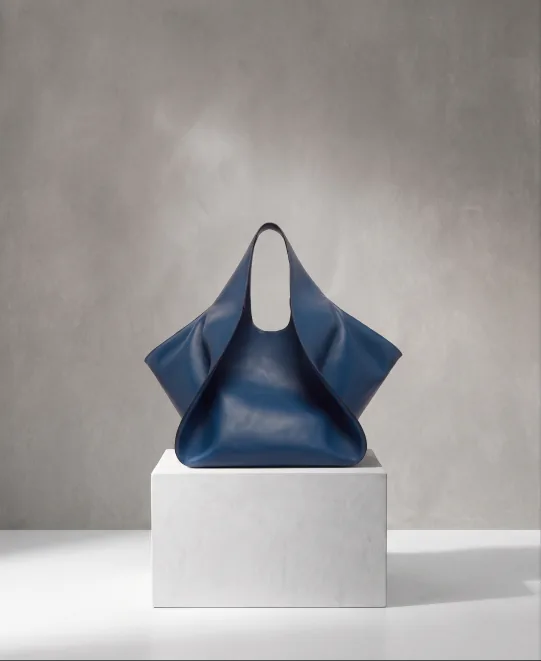
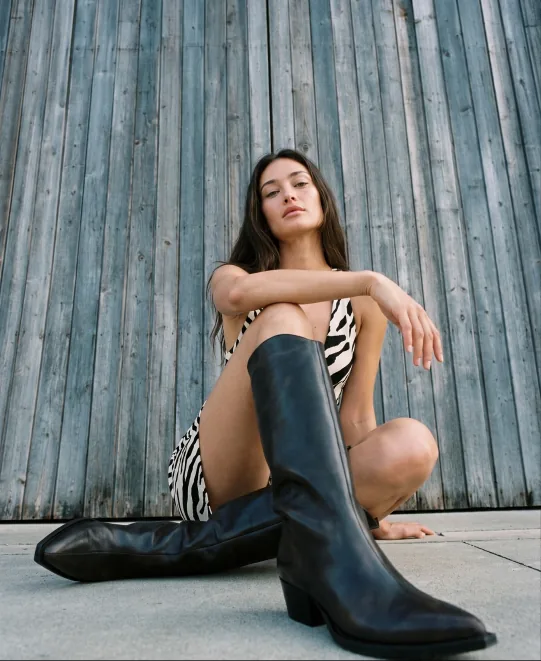
The era of AI content has already begun
Master premium AI visuals and stay one step ahead
Inside, you’ll learn:
How to create listing cards
and shots with your real product,
without a shoot
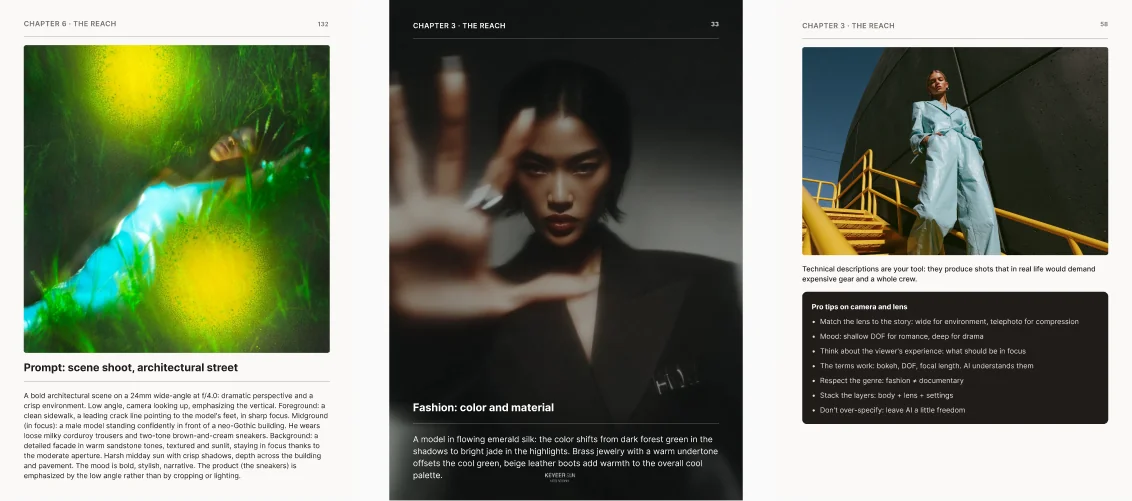
166 pages of practice that replace a full AI-visual course.
- How to write prompts that deliver the result you want
- How to generate branded visuals with AI
- Which tools to use and how to work with them
- How to create AI video with your product in the frame
- How to train AI to work in a single brand aesthetic
- How to fix AI mistakes and bring visuals to a finished look
- How to train AI to generate for different brand styles, for agencies and freelancers
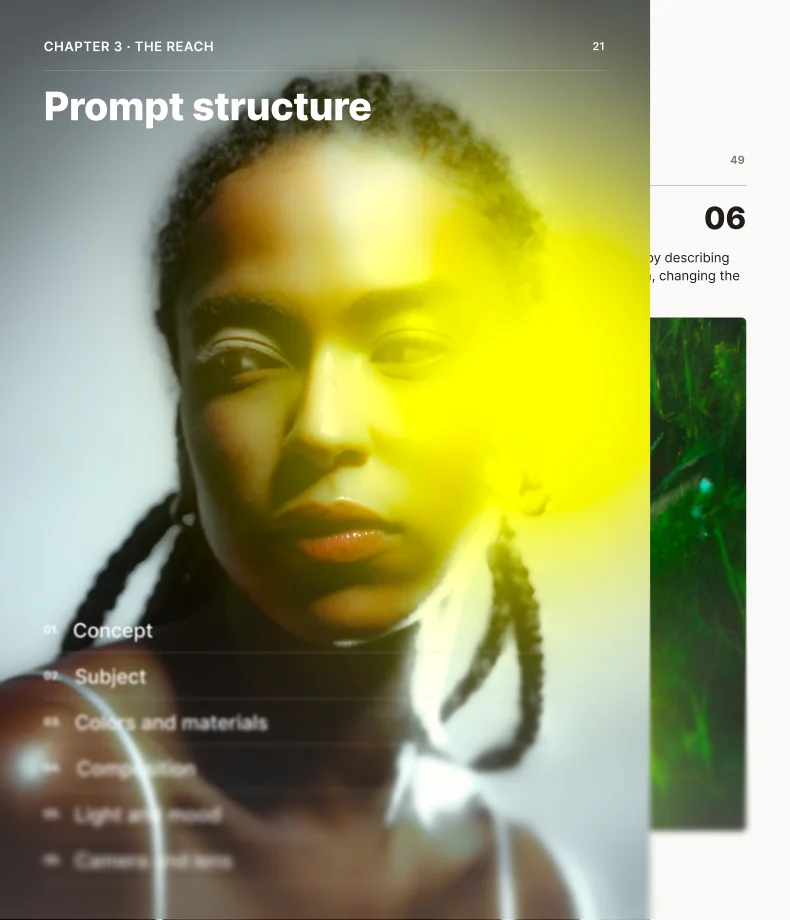
AI Creator Guide
166 pages of practice on creating branded AI images and videos.
Inside:
- 15 case studies with ready-made prompts
- AI video with your product in the frame
- Product and logo placement
- A brand vocabulary and a prompt template
- Access to all future updates
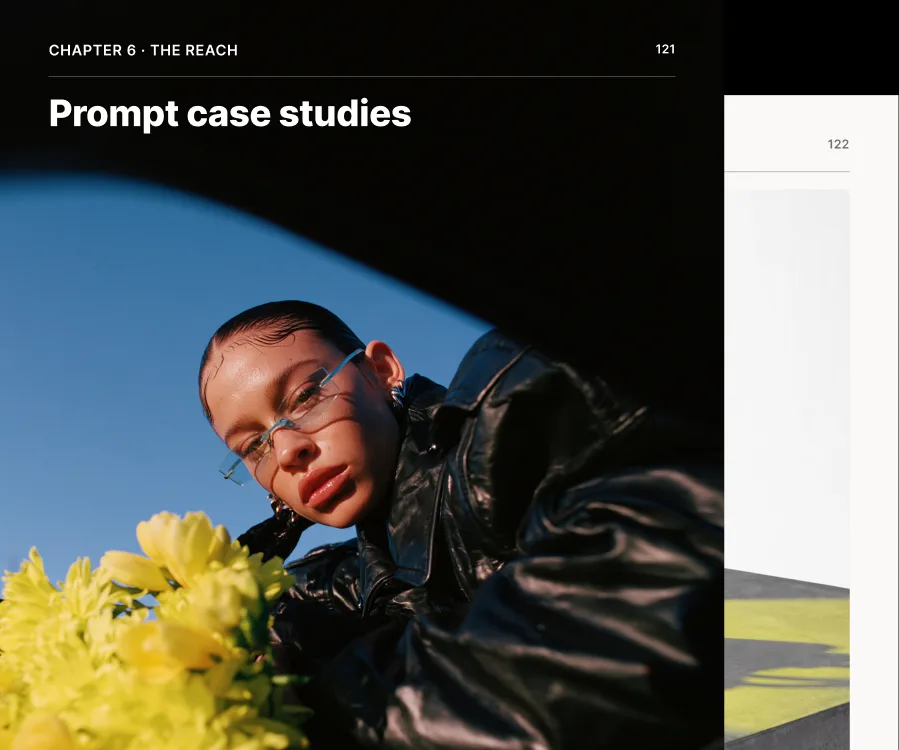
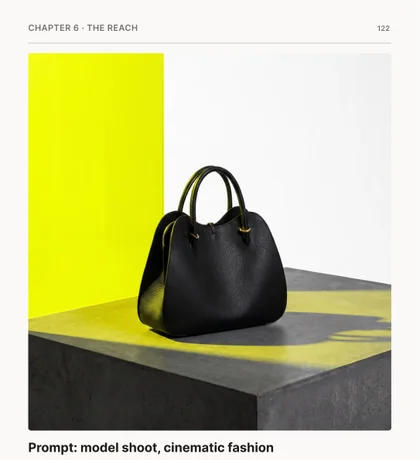
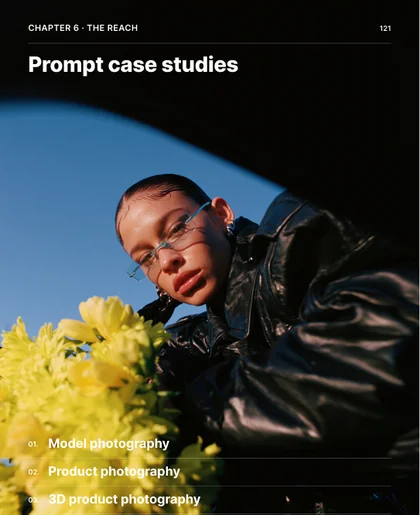
For brands, online stores, agencies, and freelancers who need quality visuals, fast.
You’ll learn to:
- Create branded images with a real product
- Shoot listing cards without a studio, a photographer, or a shoot day
- Build visual series for campaigns, ads, and social media
- Generate AI video with the right tools
- Speed up client work without hiring a new team
- Offer AI visuals as a standalone service


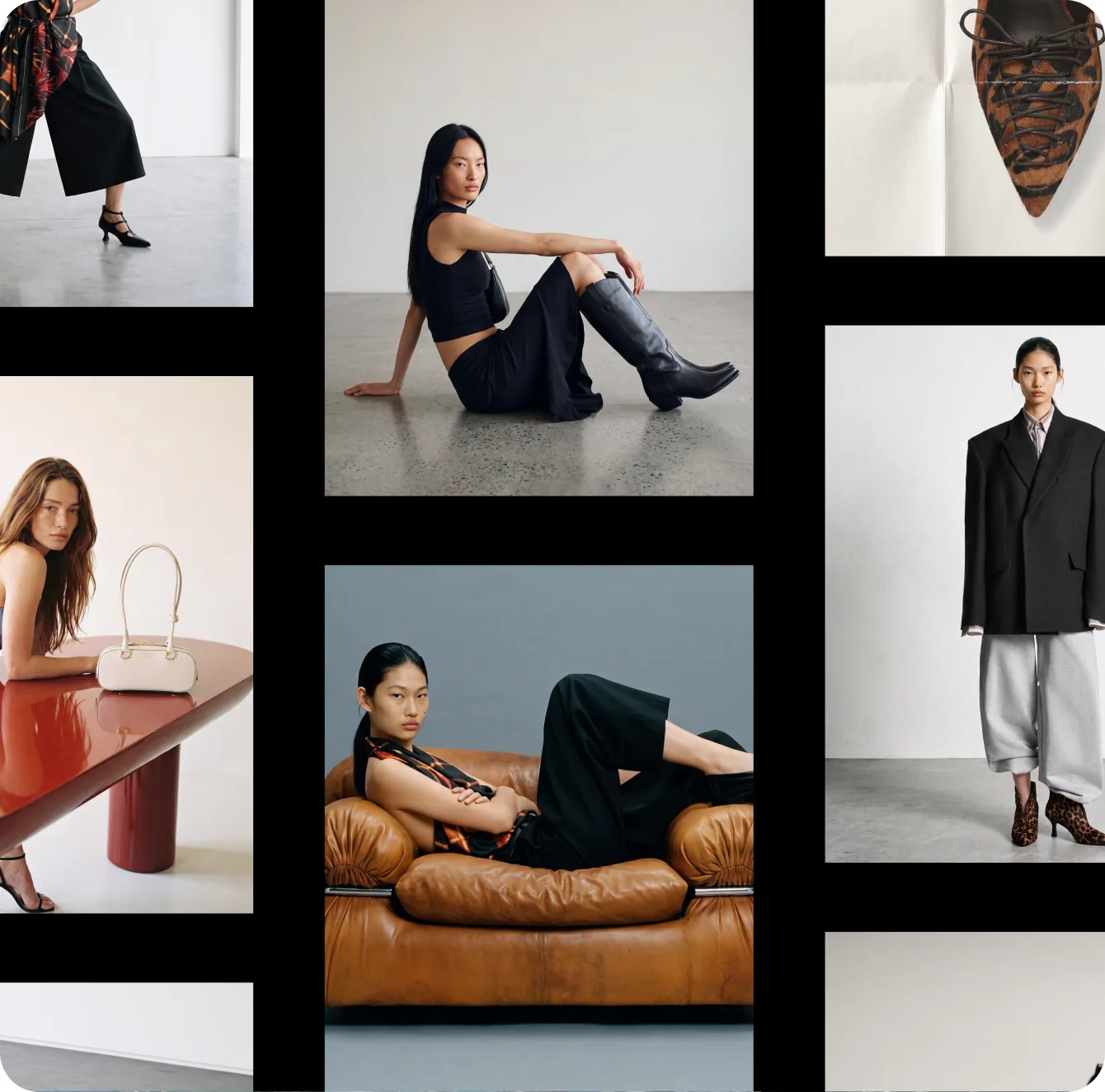
10 visual formats
you’ll learn to create
166 pages of practice that replace a full AI-visual course.
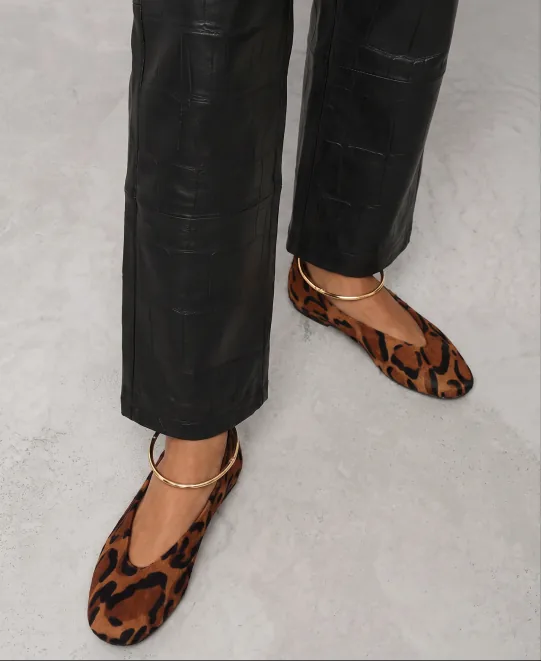
- Listing cards and product shots for your store and social media
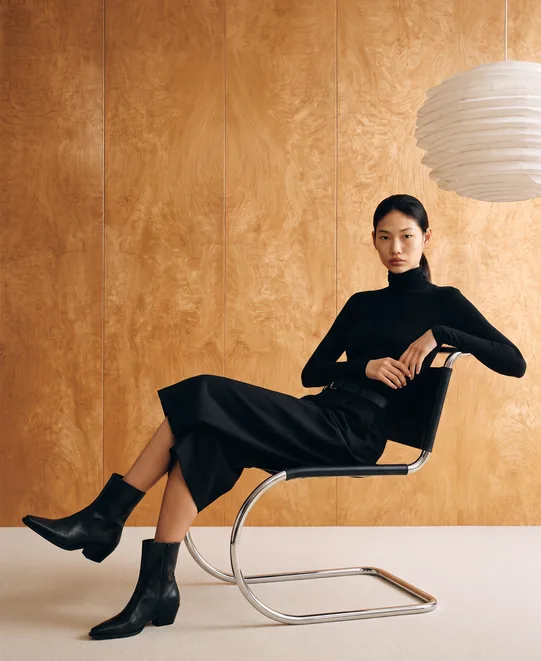
- A clothing lookbook with no model and no studio
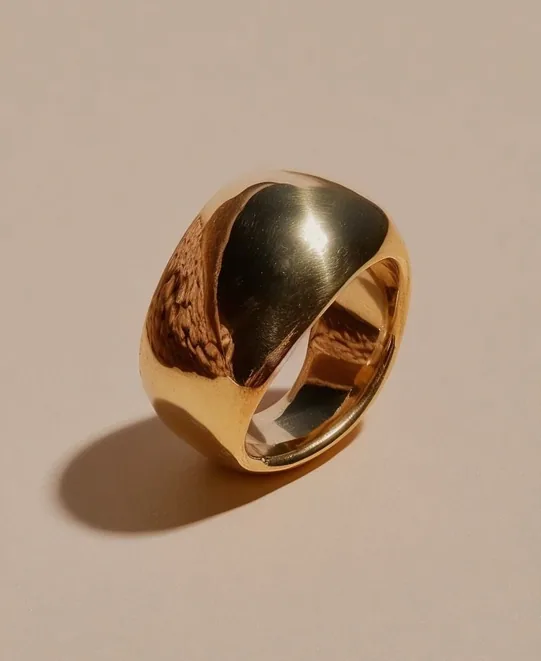
- Macro visuals for jewelry: light, texture, and detail with no product photographer
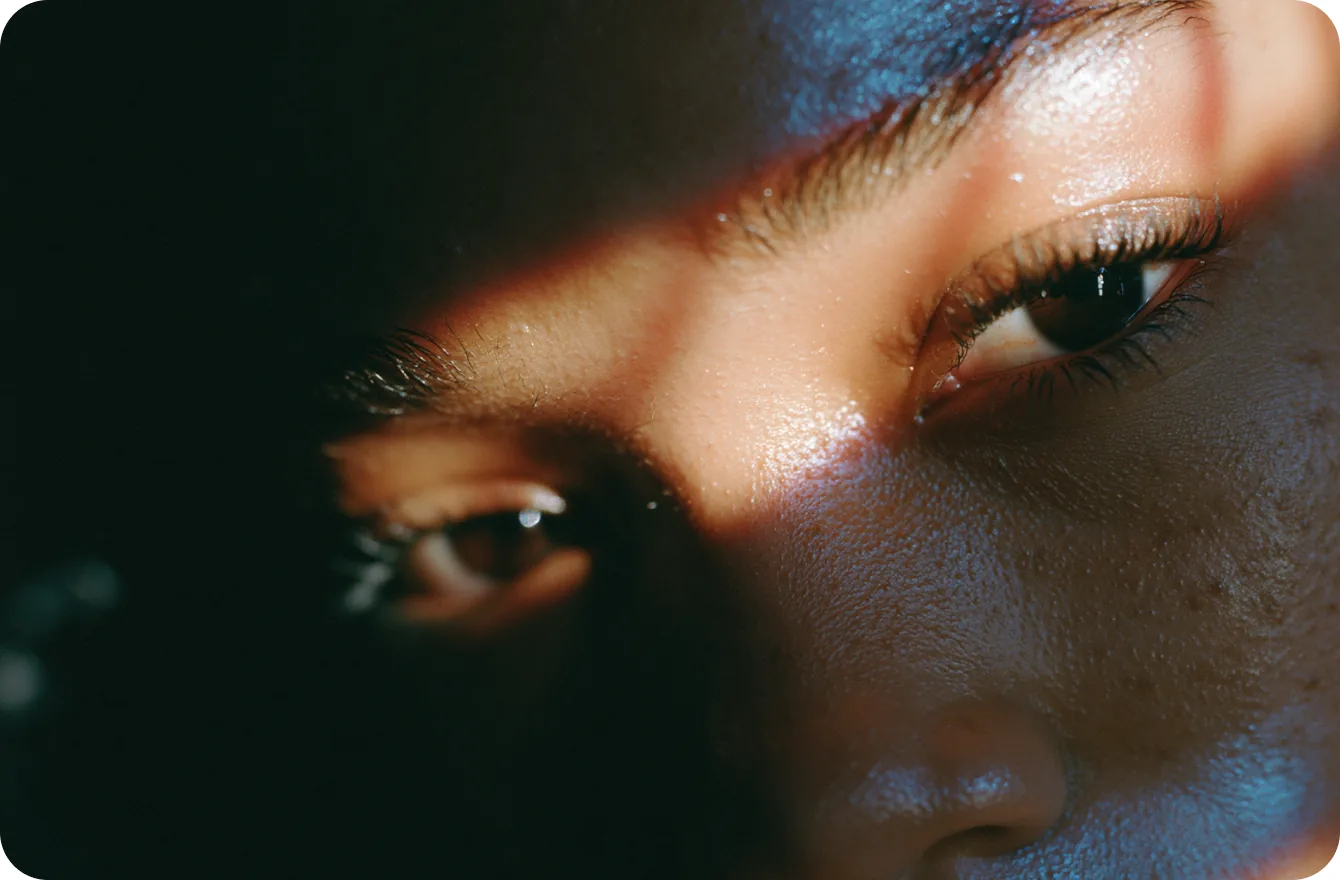
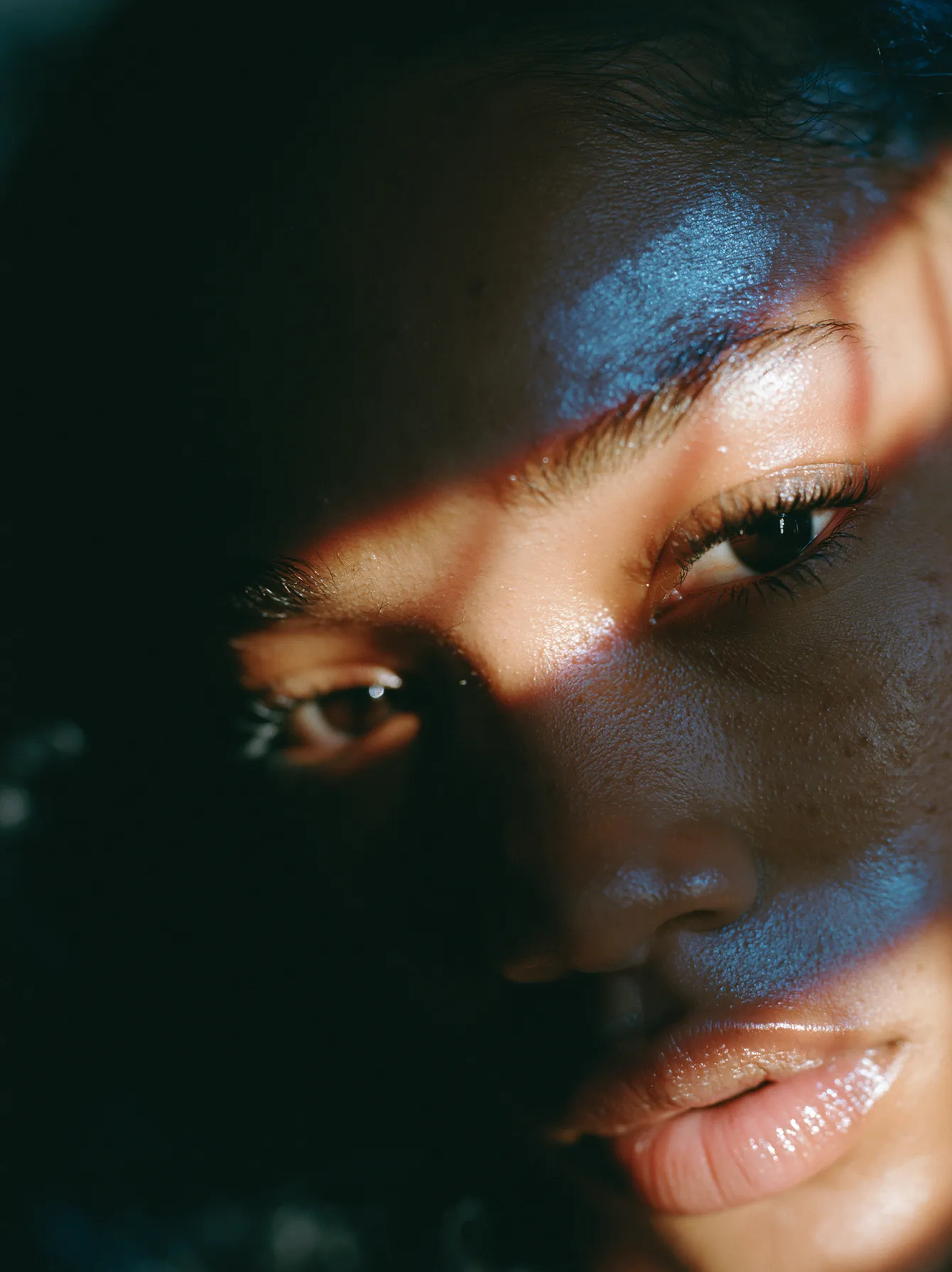
- Beauty campaigns with the right skin, light, and mood
- 3D product visuals: packaging, volume, and form
- Urban scenes with your product in a living environment
- Outdoor visuals for seasonal campaigns
- Video versions of your shots for Reels and ads
- Visual series in a single brand aesthetic, not a set of random pictures
- Placement of your real product and logo into any of these sets
The complete process
for creating branded AI visuals
8 chapters, from brand foundation to final production.
Prompts are not the foundation here, they are one tool inside the system.8 chapters: from brand foundations to final production
- Benefits of AI for small brands
- How to move past random pictures
- Who this guide is for
- How to stand out without losing your style
- Your brand’s visual language
- Common mistakes
- Concept
- Subject
- Colors and materials
- Composition
- Lighting
- Camera
- Midjourney
- ChatGPT
- Sora
- Higgsfield
- How to choose the right tool for the task
- Preparation
- Brand visuals
- Product visuals
- Video generation
- Image post-production
- Video post-production
- Fixing common mistakes
- Model
- Product
- 3D product
- Scenes
- Textures
- Brand AI-readiness assessment
- Brand-vocabulary builder
- Reusable prompt template


597 downloads and counting
 597 downloads and counting
Brands and creators already
working with AI via our system
Get access for $99“I finally managed to keep one consistent style across a whole series of creatives. Before, every generation looked like work for a different brand.”
“The most valuable part is the workflow for using a real product. Now we can put client visuals together faster and show more options.”
“I used to try prompts at random. With the guide, I understood how to control light, composition, and camera to get exactly the shot I need.”
“The guide put everything in order for me. Special thanks for the breakdowns of Midjourney with Nano Banana and for showing how to work with a logo.”
“We took the process from the guide almost as is and adapted it to our clients. It now takes us far less time to develop a visual concept.”
“I started with no Midjourney experience, but with the step-by-step explanations I put together my first full series and brought a shot to life for Reels.”

FAQ
Yes. The guide shows everything in order: the interface, settings, parameters, references, profiles, editing, and video.
Yes. You’ll work through several ways to place a real product and logo into a finished scene using Midjourney, Nano Banana, and Higgsfield.
Brands and online stores that want to cover listing cards and content without constant shoots. Agencies and freelancers who work with clients. And anyone who wants to build a career as an AI creator.
Yes. Beyond static shots, you’ll learn to build AI video with your product in the frame and bring images to life for Reels and ads.
An A4 PDF, 166 pages, sent to your inbox right after payment.
Free prompts give you one random nice picture, once. Here you get a system that teaches you to carry a single brand style instead of collecting a set of disjointed images.
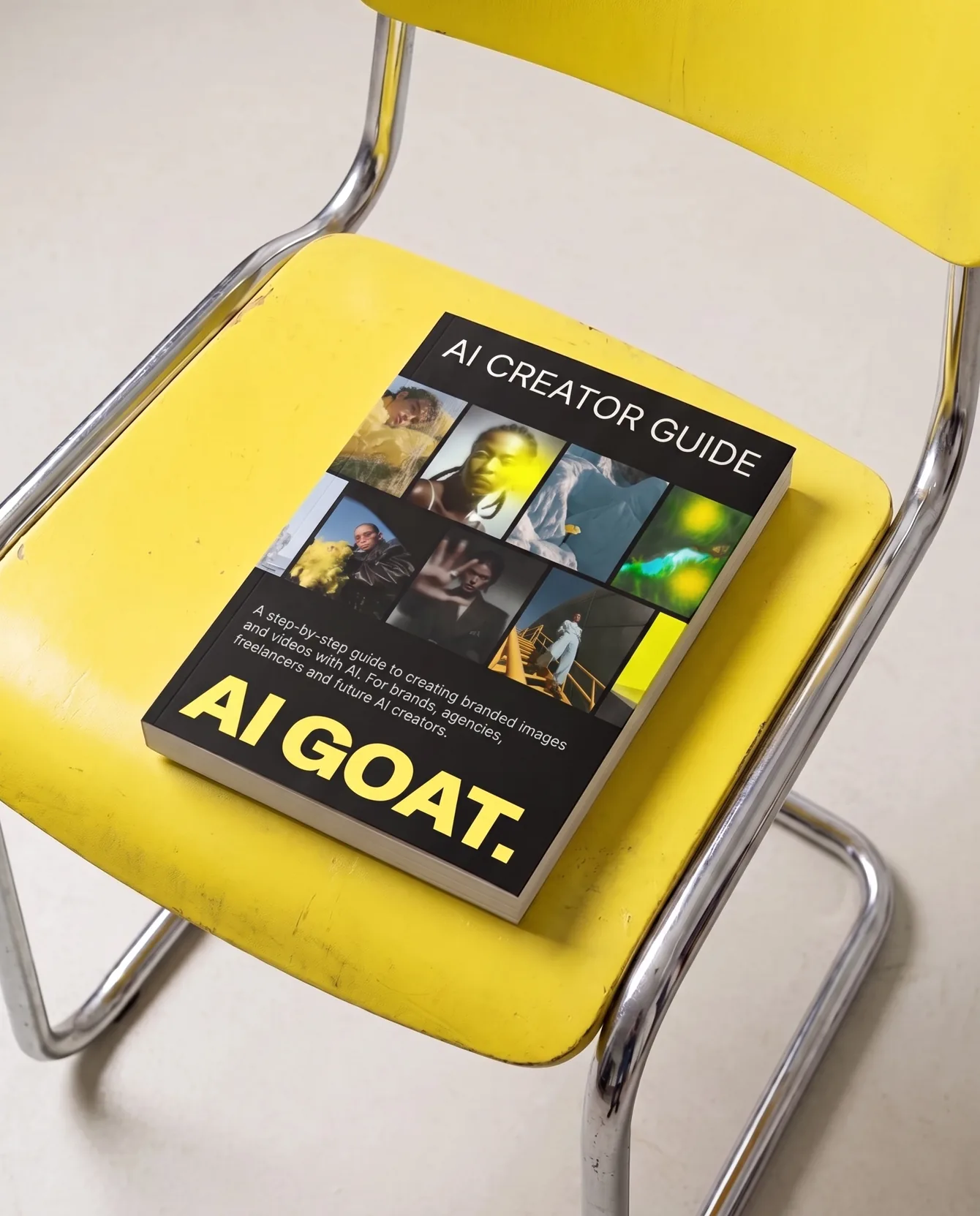
AI Creator Guide
$350$99
Save 72%A step-by-step guide to creating branded images and videos with AI. Made for brands, online stores, agencies, freelancers, and aspiring AI creators.
Inside:
- 8 chapters, from your brand’s visual language to finished content
- 15 detailed case studies with complete prompts
- Hands-on workflows with Midjourney, Nano Banana, Higgsfield, Sora, and Veo
- 166 pages of step-by-step guidance and examples
- Real product and logo placement, AI video generation, and post-production
